Master Your Workflow.
Powered by Intelligence.
The step-by-step guide to unifying your tasks, documents, and team communication in one intelligent platform.
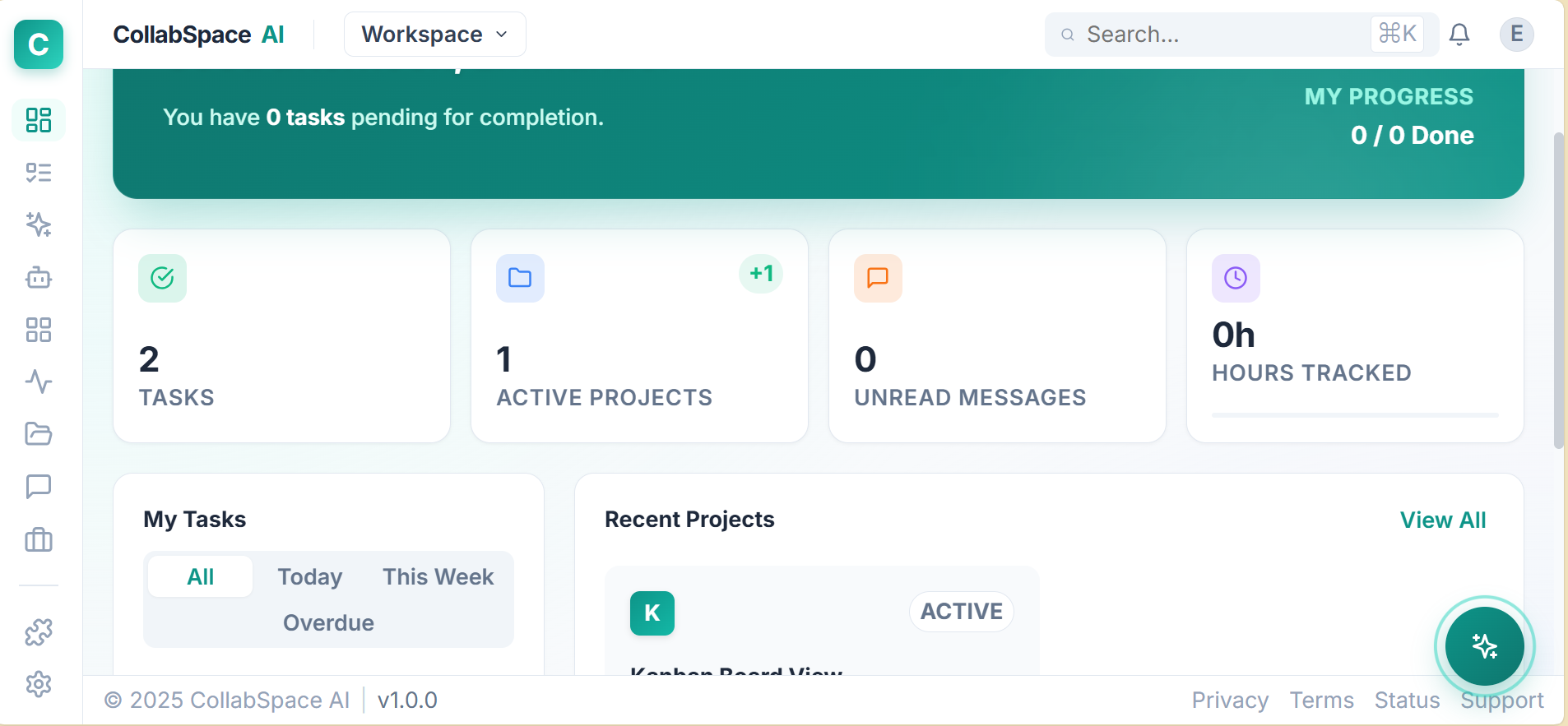
The step-by-step guide to unifying your tasks, documents, and team communication in one intelligent platform.
Four simple steps to transform how your team operates.
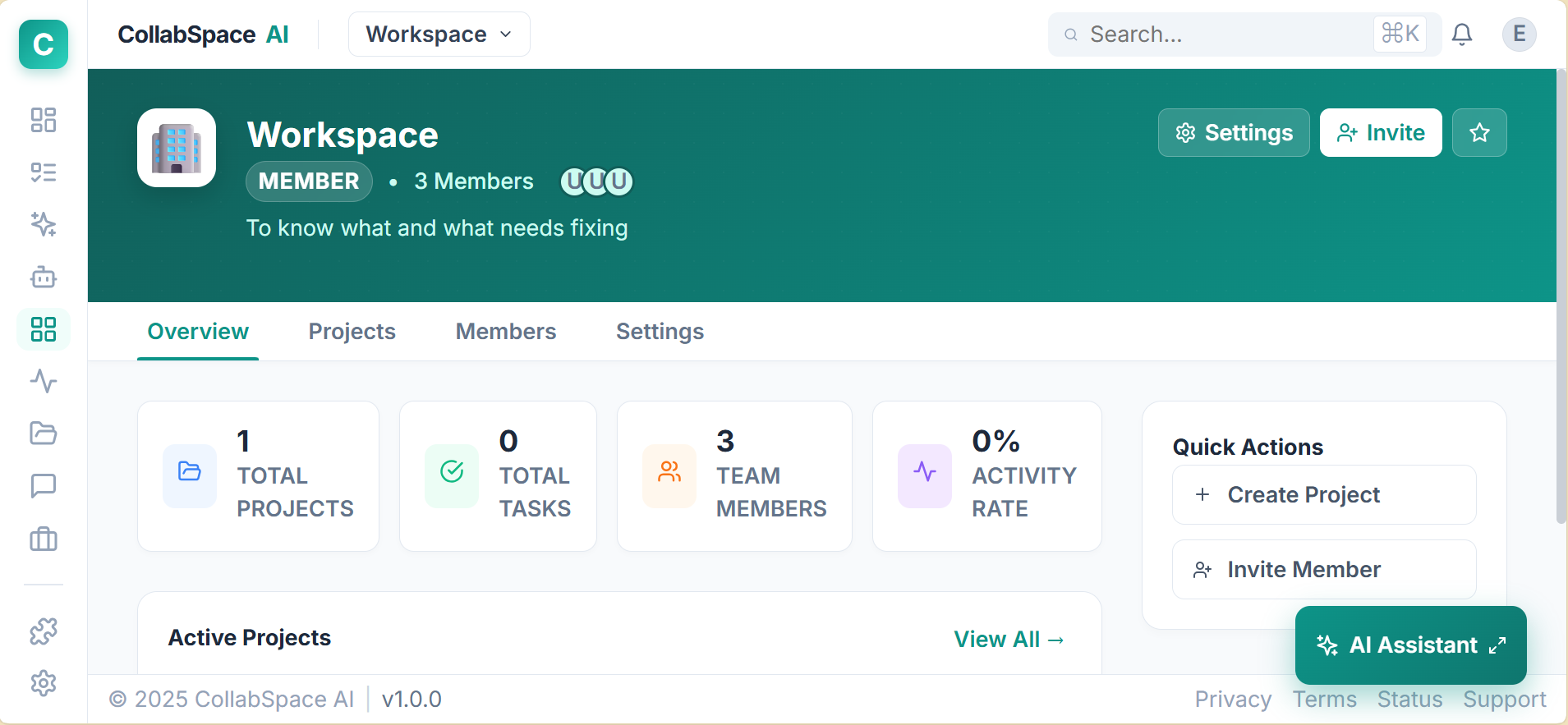
Start by creating a dedicated environment for your organization. Invite team members via email and assign roles (Admin, Member, Viewer) to ensure secure access control.
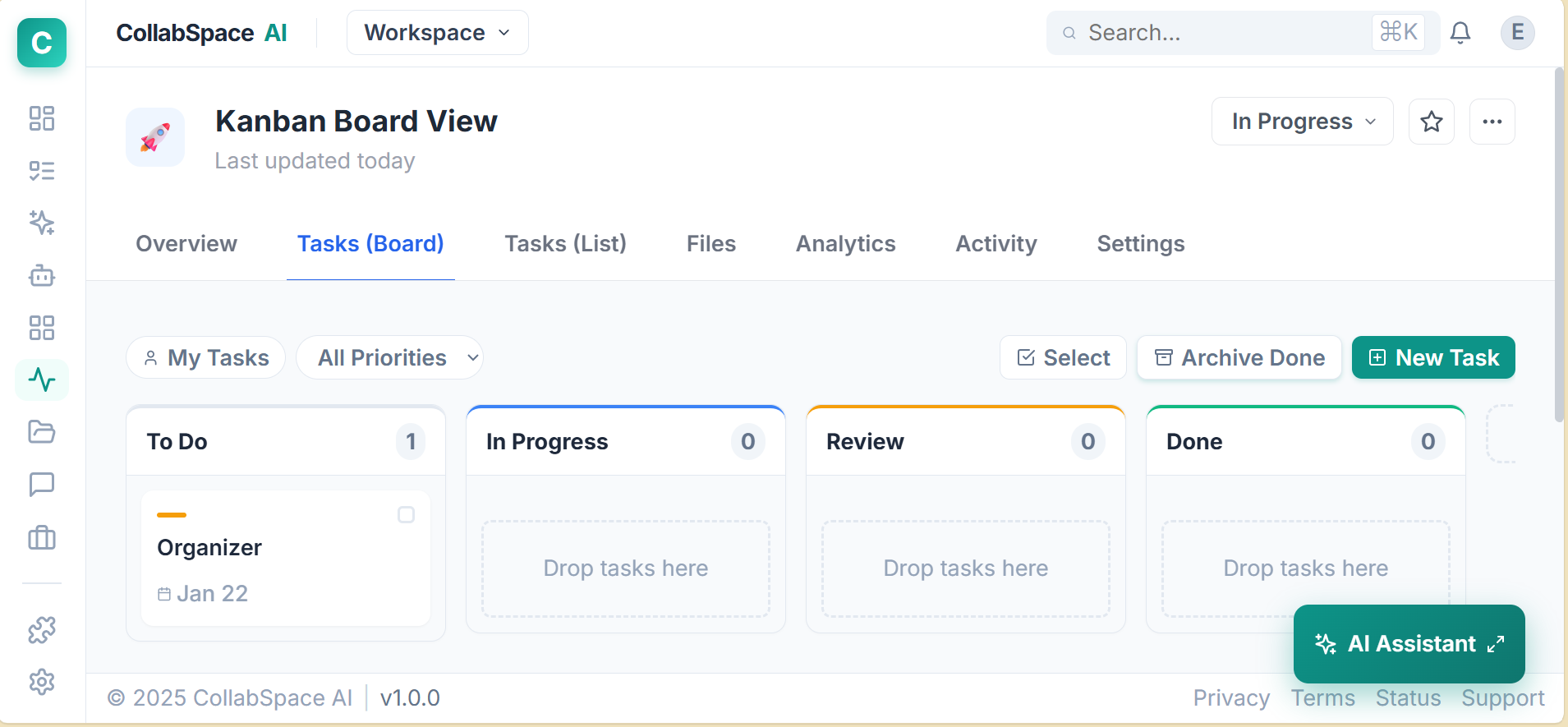
Don't let tasks slip through the cracks. Create Projects and visualize them your way. Switch instantly between Kanban boards for status tracking and Gantt charts for timeline planning.
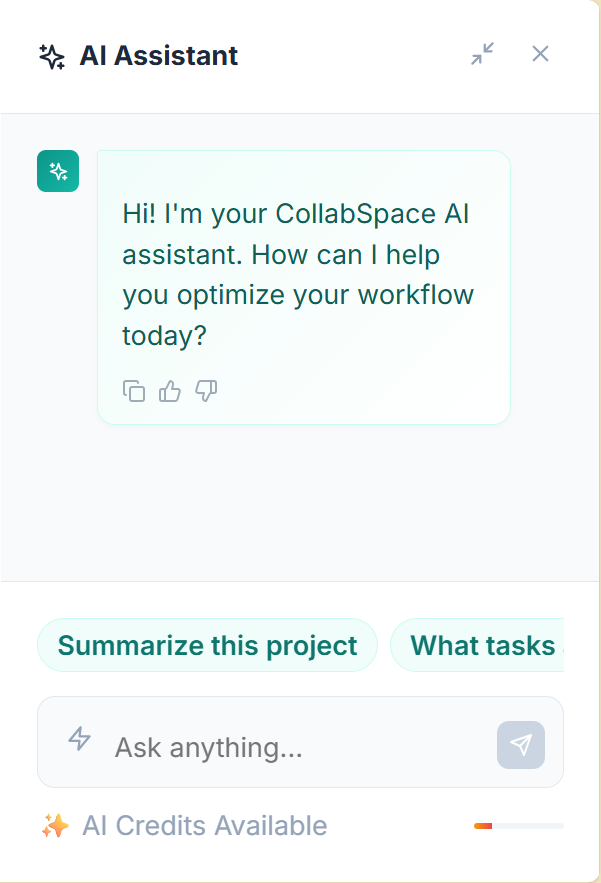
Click the robot icon in the bottom right to activate CollabAI. Ask it to summarize long comment threads, generate subtasks from a description, or draft project updates.
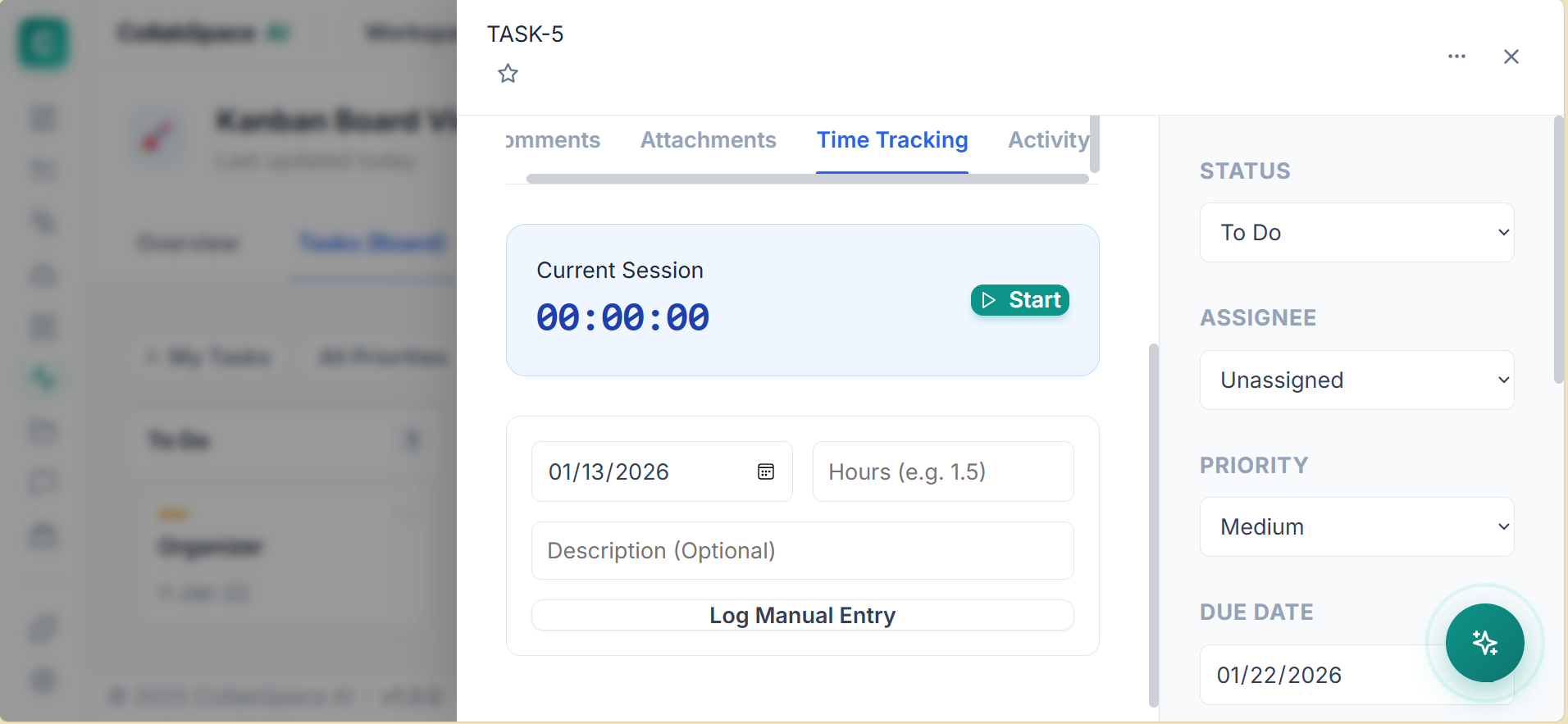
Use the built-in time tracker on every task. Navigate to the Reports tab to view team velocity, hours logged, and project burn-down charts to keep budgets on track.
Stop switching apps. Discuss tasks in threads or use global channels for team announcements.
Upload documents directly to tasks. All files are encrypted at rest and in transit.
Manage your projects on the go. The interface adapts perfectly to tablets and phones.
Join thousands of teams using CollabSpace to build faster.
Create Free AccountNo credit card required • Cancel anytime